Import the latest roster
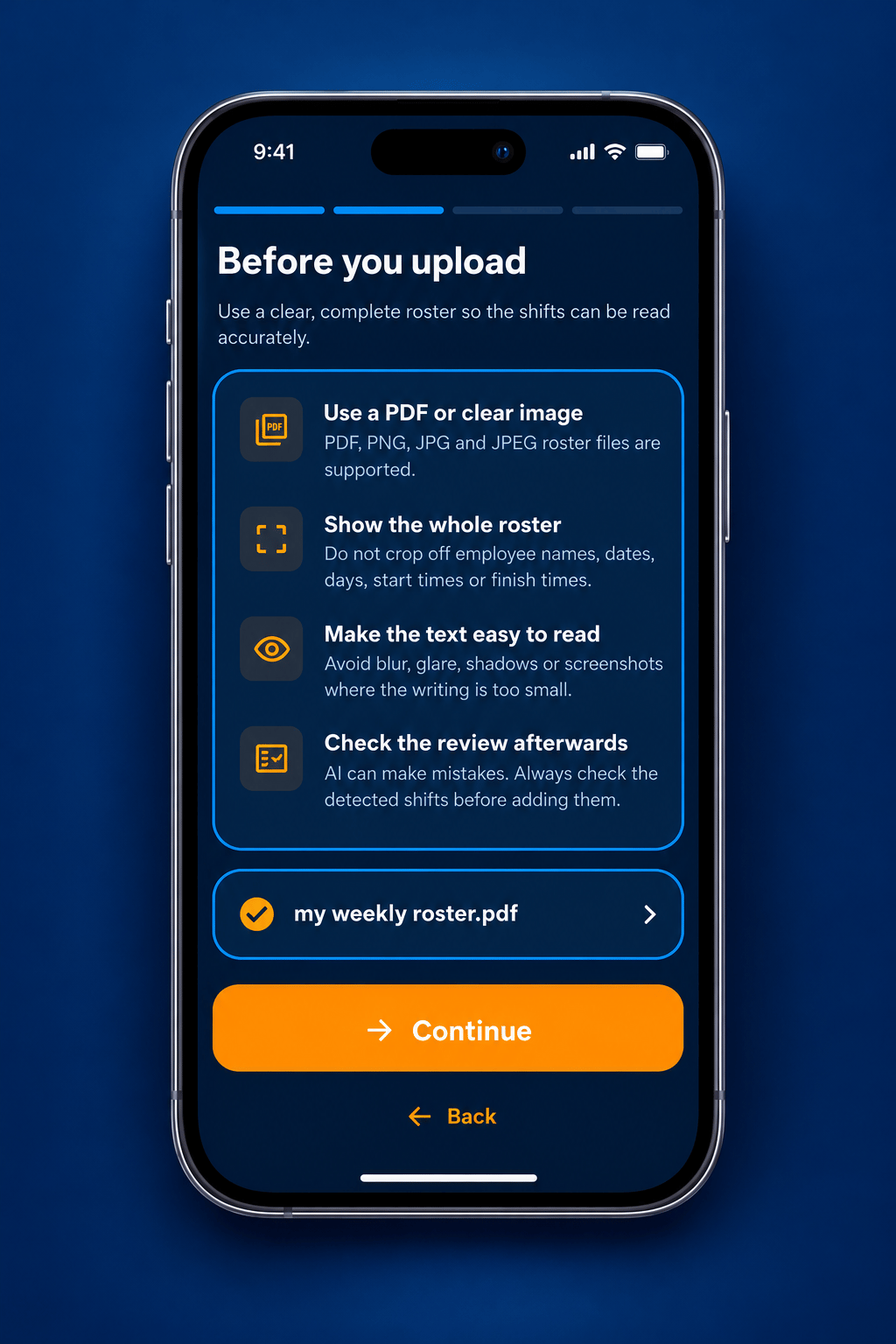
Choose the new PDF or image issued for the week instead of manually entering every day.
 Why RosterPal?
Week-to-Week is designed for newly issued rosters where the dates, duties or times may be different every time. Import each new roster from a PDF or image, let RosterPal identify the employee and shifts, then review and edit the detected result before saving it to your calendar.
All features shown on this page are available in the paid RosterPal Premium version.
The workflow is built around changing schedules rather than a repeating cycle.
Choose the new PDF or image issued for the week instead of manually entering every day.
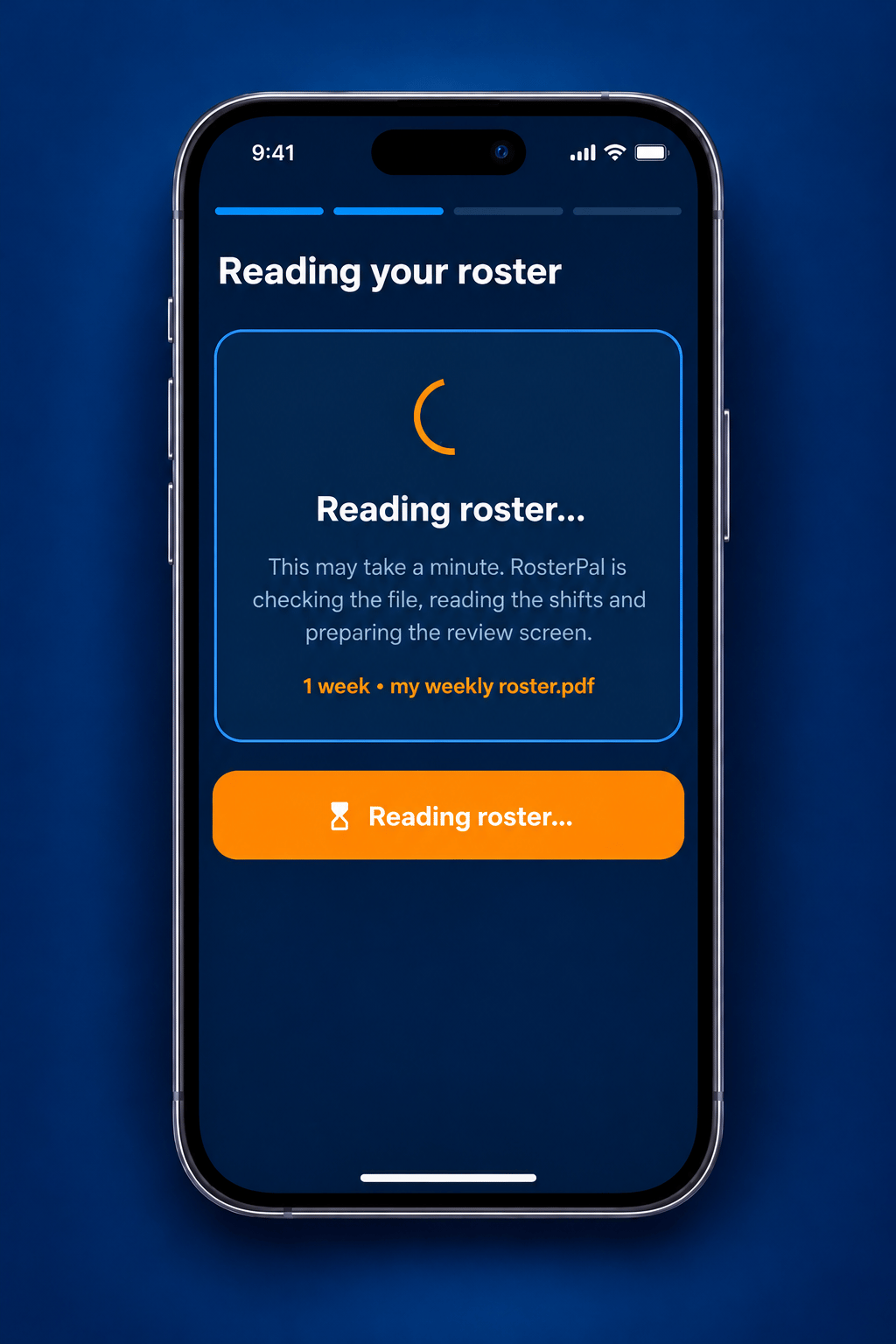
RosterPal identifies the correct employee and extracts dates, start times, finish times and supported roster detail.
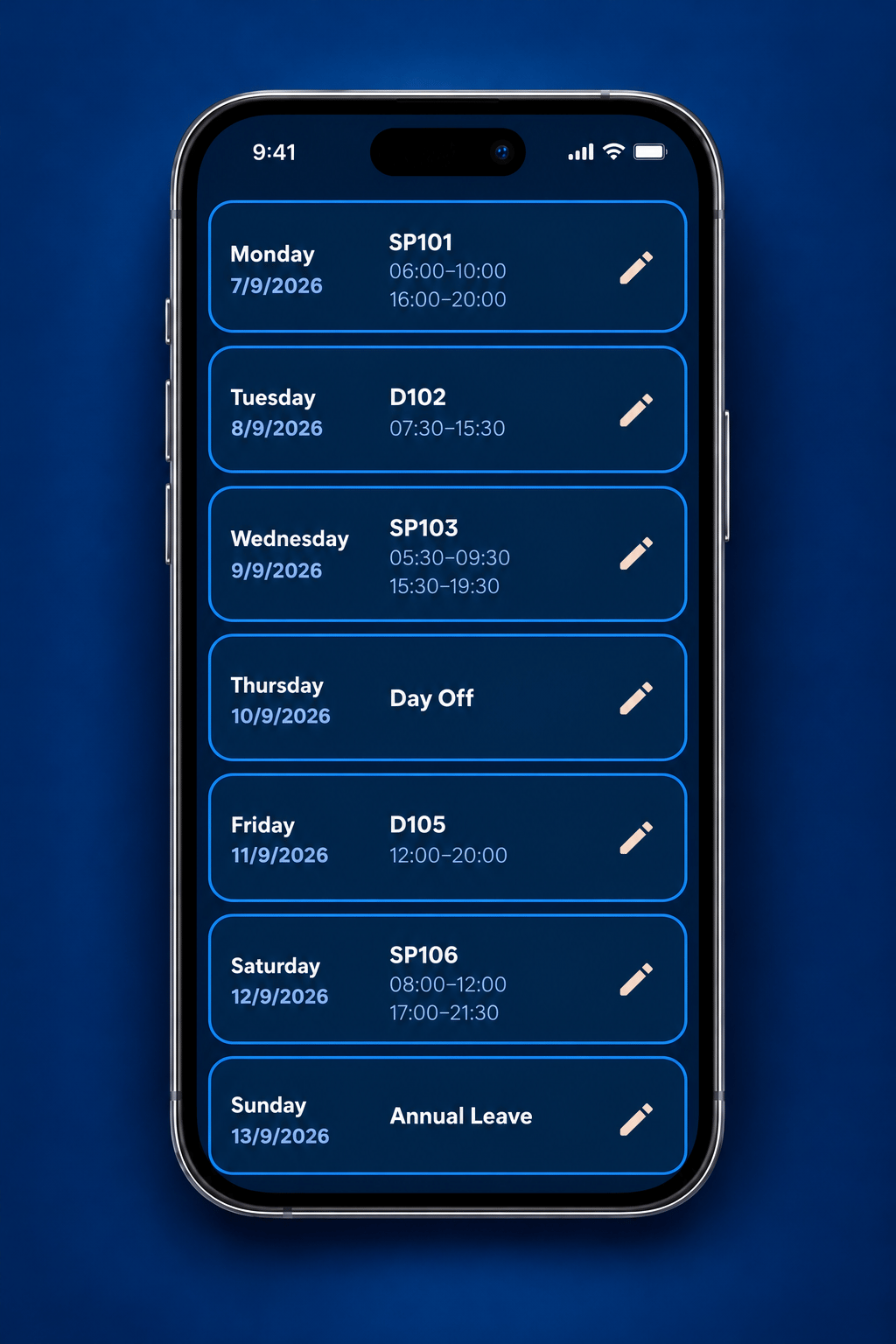
Check detected shifts, correct anything that needs attention and catch duplicate or overlapping times before saving.
Add the imported week directly to the calendar or replace an existing week when a new version is issued.
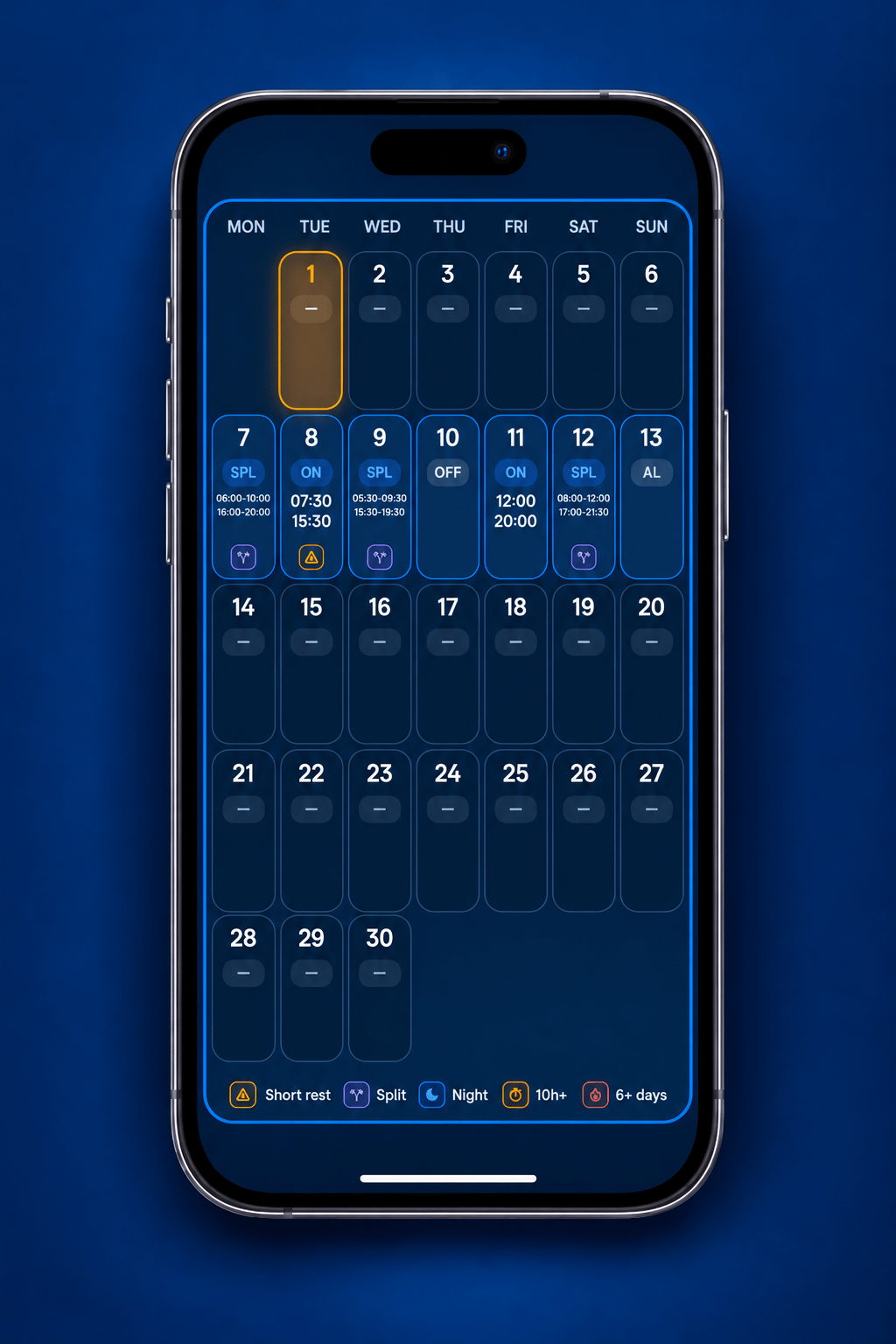
These are the core Week-to-Week capabilities currently represented on the site.
Bring each newly issued roster into RosterPal instead of copying it across manually.
Keep the detail from the published roster and review it before it becomes part of your calendar.
Turn the latest published week into an up-to-date personal view of your work.
Keep access to where the week came from and preserve the imported history across devices.
If your shifts are newly published rather than repeating through a fixed cycle, Week-to-Week is the RosterPal workflow designed for that pattern.